For residents
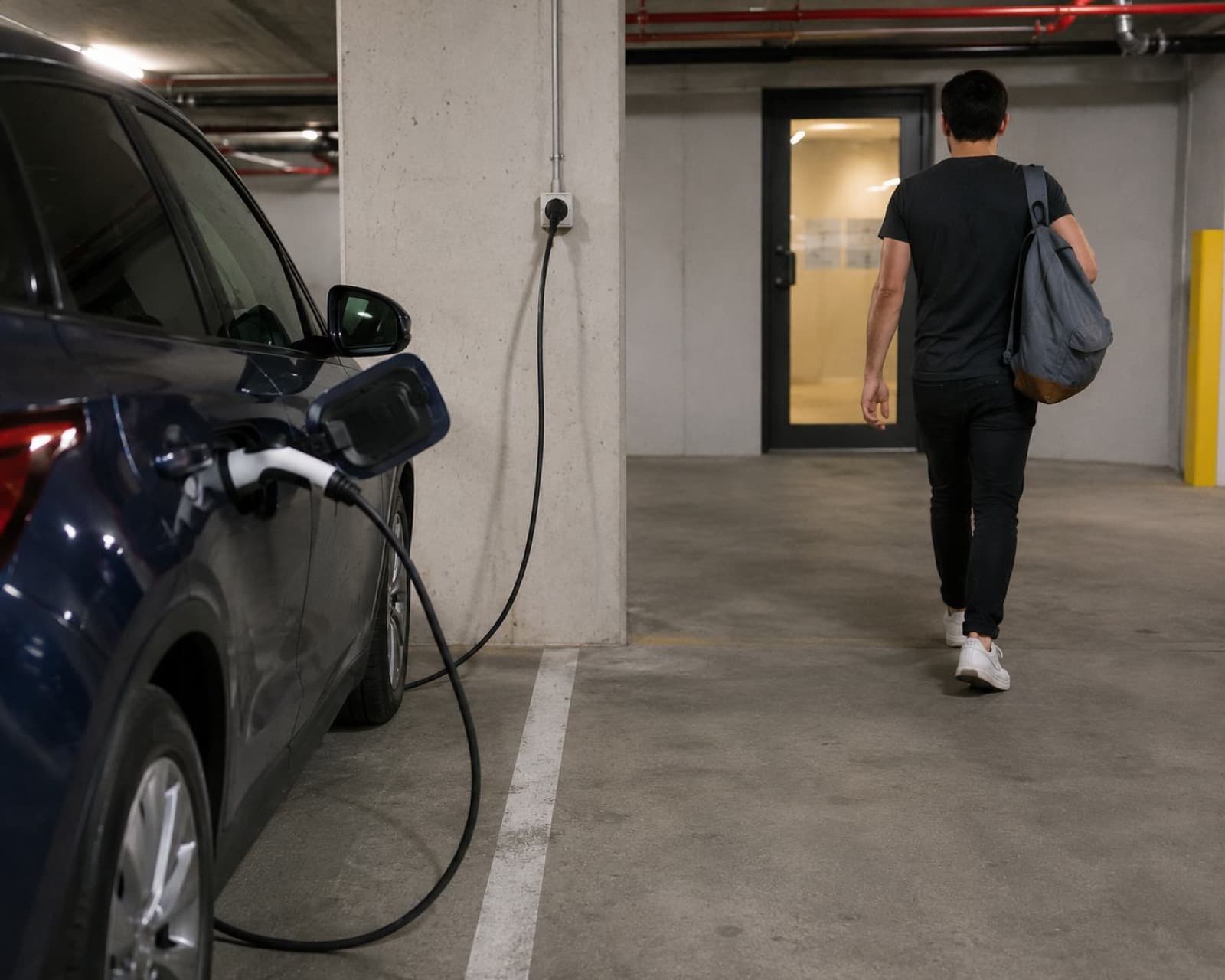
Plug in and get on with your day.
No app to open when you park, no card to tap, no cable to unlock. Link your car once and every charge after that bills itself.
Setting it up once
- 1
Join your building
Download the app and enter the invite code your building gave you. That links your account to your building and its charging rate.
- 2
Sign in with your car account
One tap through Enode connects your manufacturer account, so your car can report its own charging. You are not handing over anything Volty can use to drive or unlock it.
- 3
Add a card
Saved once, charged automatically after each session. Your card details go straight to our payment provider and are never stored by Volty.
Then it stays out of your way
Common questions
- Do I need my own charger?
- No. Volty is built around ordinary power points, which is why your building can offer it at all. If your building does have chargers installed, you would use those the way the building tells you to.
- What does Volty do with my car data?
- It reads charging state, battery level and location so it can tell when a billable session starts and stops. You grant that access yourself and can disconnect it at any time from the app or your manufacturer account.
- What if I unplug halfway?
- The session ends there and you pay for what actually went into the car. There is no minimum and no penalty.
- What if my phone is out of range in the basement?
- It does not matter. The session is reported by your car, not your phone, so you can leave the carpark the moment you plug in.
Bring Volty to your building
Tell us about your building and we'll be in touch as we roll out — or book a time and we'll walk you through it.