For strata managers
Sites and invite codes.
A site is one building: its address, its charging boundary, its rate and the residents allowed to charge there. Setting one up takes minutes and needs nobody on site.
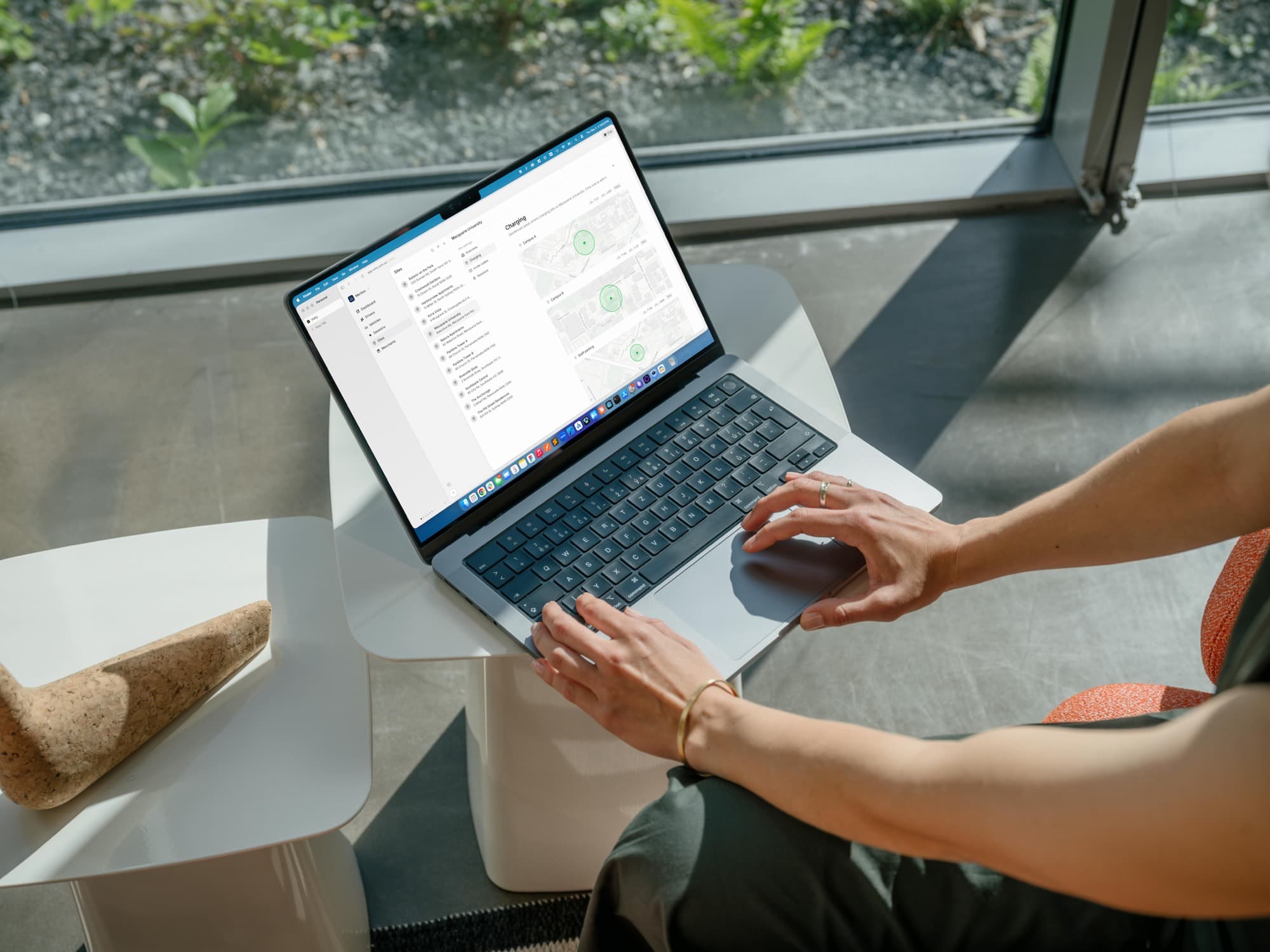
What a site holds
Getting residents onto it
- 1
Generate an invite code
Create a code for the building in the console. You can run more than one at a time, which is useful if you want to track a particular building or intake separately.
- 2
Put it somewhere they will see it
Download the poster and put it up in the lift lobby or by the carpark entrance. It carries the code and a QR code straight to the app.
- 3
Residents join themselves
They download the app, enter the code, link their car and add a card. Nobody has to be onboarded manually and you never handle their payment details.
- 4
Revoke when you need to
Deactivate a code and it stops working for new joins. Residents who already joined are unaffected until you remove them from the site.
Bring Volty to your building
Tell us about your building and we'll be in touch as we roll out — or book a time and we'll walk you through it.